 OpenPhoto
Open source · macOS · Written in Rust
The free Photoshop alternative your hands already know.
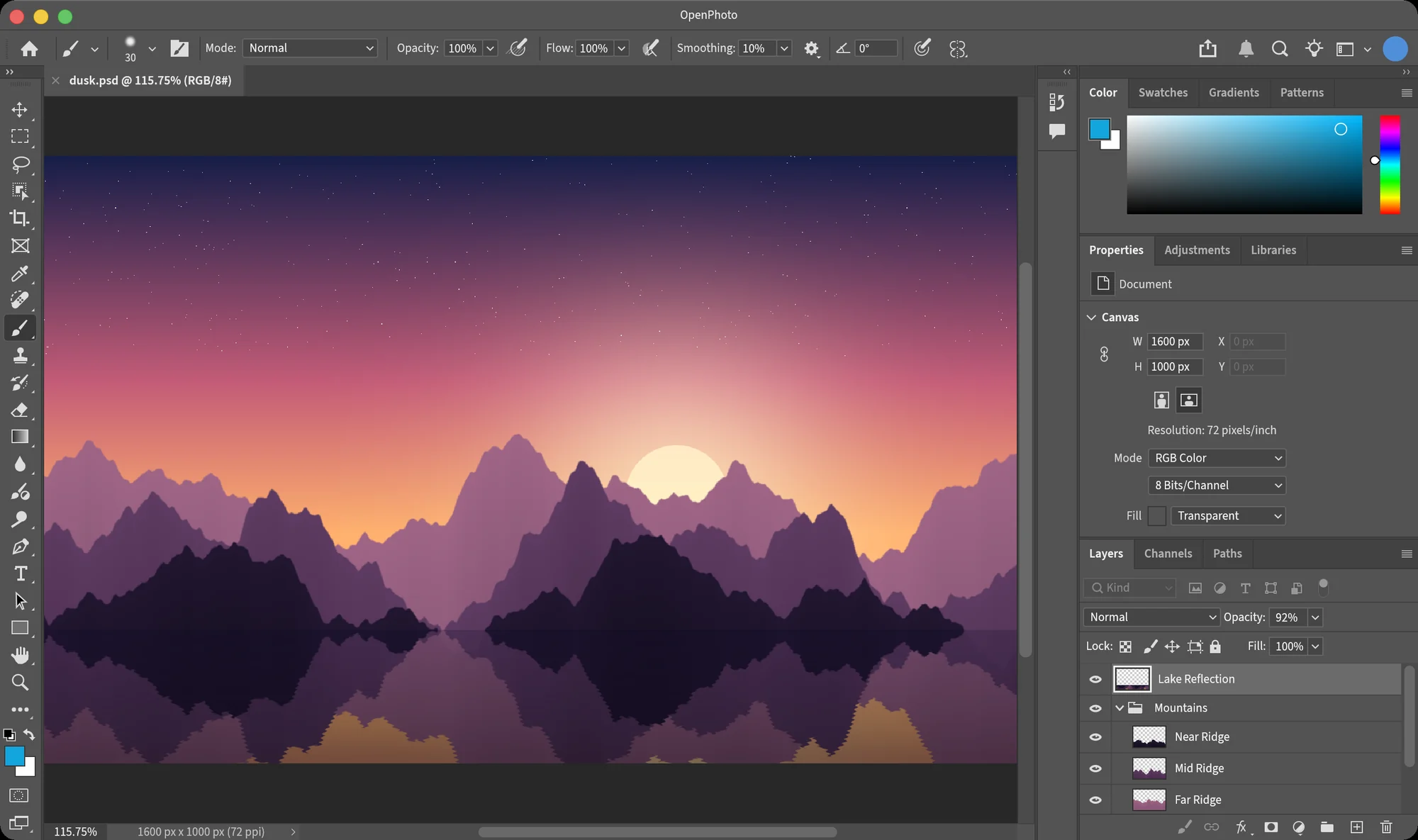
OpenPhoto is a free, open-source Photoshop alternative for Mac. It has Photoshop's layout, menus, shortcuts and dialogs, measured point by point against Photoshop 2026, with filters and adjustments calibrated to its output. Open your PSDs and keep working.
macOS 11 or later · Apple Silicon & Intel · signed & notarized · MIT / Apache-2.0
27
Photoshop blend modes
PSD
opened and saved, layers intact
350+
tests against Photoshop output
$0
a Photoshop alternative with no subscription
A Photoshop alternative, measured
Side by side, you'll look twice.
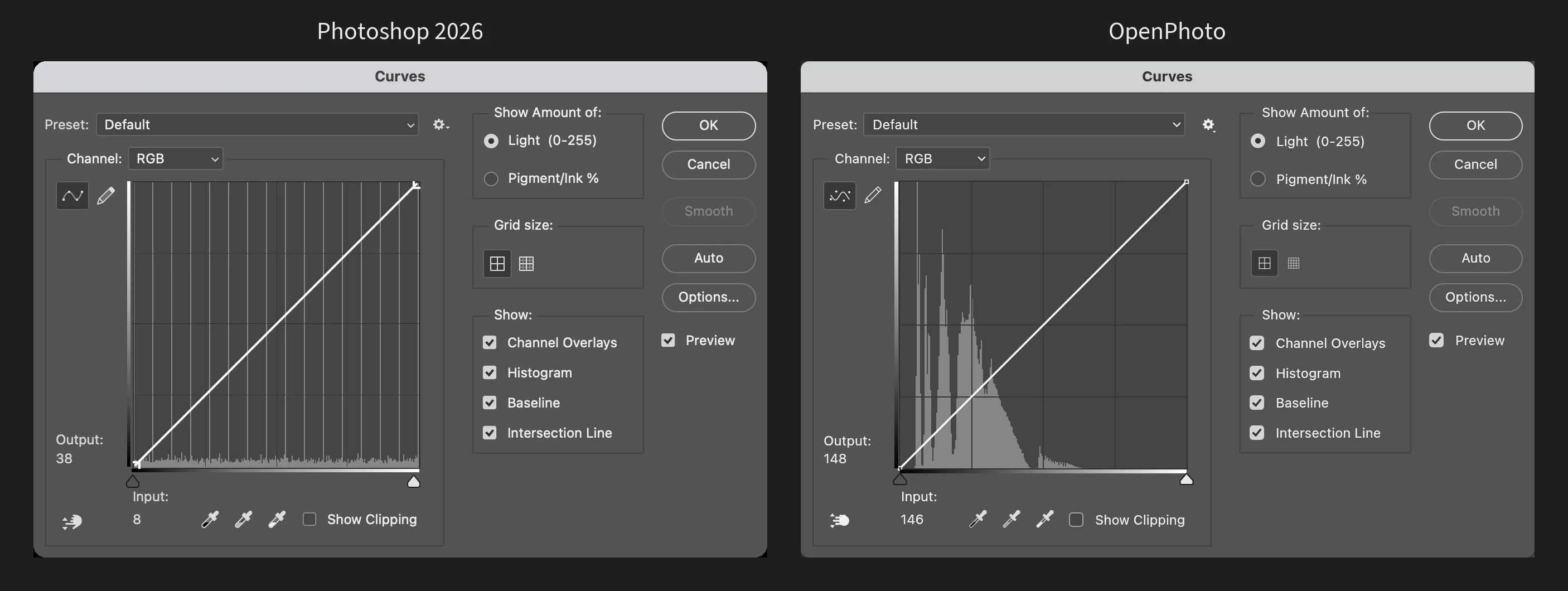
Most apps sold as a Photoshop alternative only resemble it. OpenPhoto takes a running Photoshop 2026 as its reference: if it looks or behaves differently, that is a bug — and it gets fixed.
01
Pixel-faithful interface
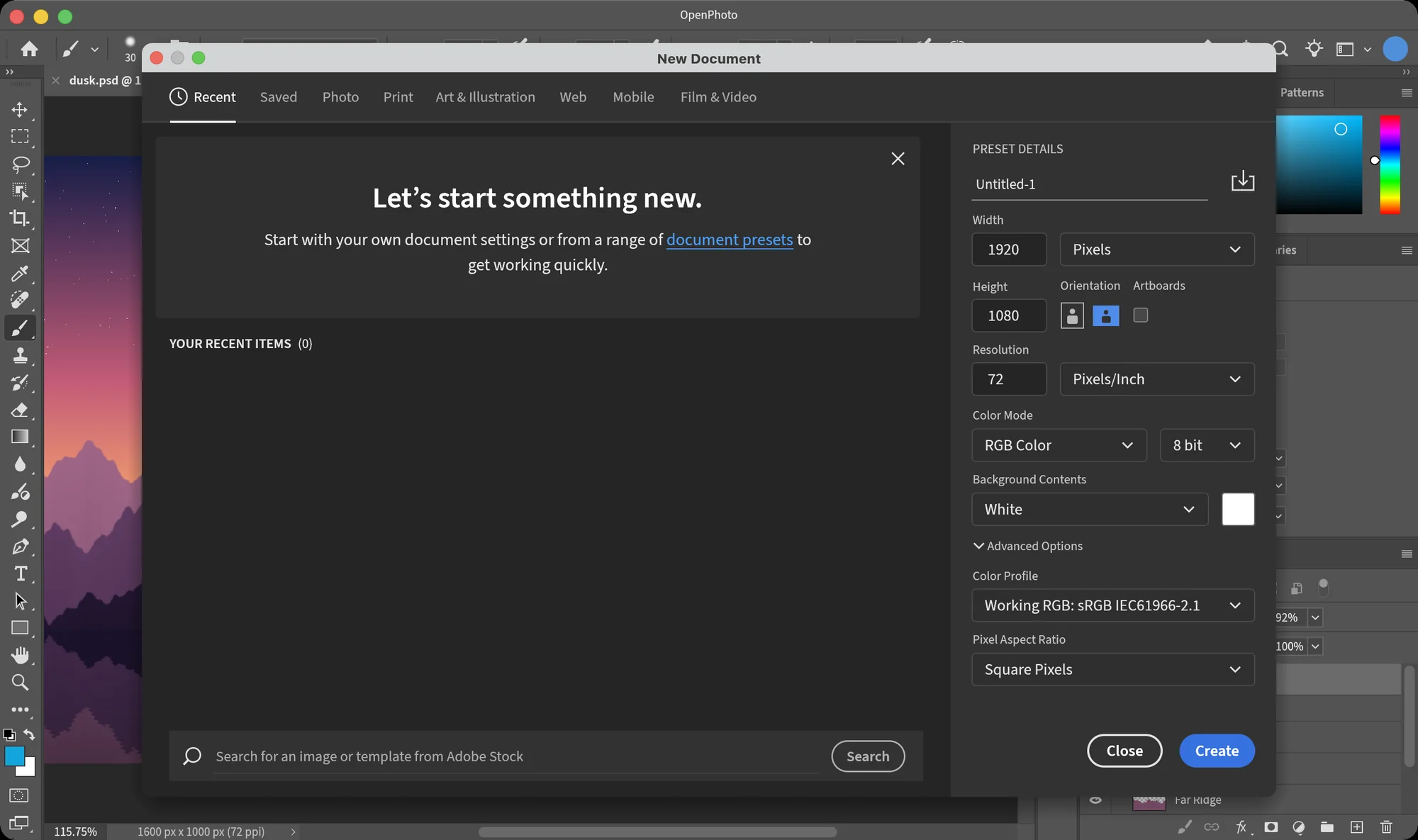
Panels, option bars and dialogs are measured from a running Photoshop 2026 at 1:1 and compared side by side — field sizes, slider scales, even font tracking.
02
Calibrated algorithms
Adjustments and filters are fitted to Photoshop's own output with probe images, kernel by kernel. Most land within one level.
03
Native and fast
Unlike web-based Photoshop alternatives, it is pure Rust with a GPU-composited canvas, tiled copy-on-write pixels and no runtime to install.
What works today
The tools you reach for, where you expect them.
OpenPhoto is in early development, yet already a Photoshop alternative you can do real work in. Everything below works today; what's missing is listed openly on GitHub.
Layers & PSD
- Opens and saves layered PSD — groups, masks, locks, links, color labels
- All 27 blend modes, opacity and fill
- Opens PNG, JPEG, WebP, TIFF, BMP, GIF
Selections
- Marquees, lasso, polygonal and magnetic lasso
- Magic wand, quick selection, object selection, selection brush
- Select › Modify, Transform Selection
Transform & crop
- Free Transform with skew, distort, perspective and warp
- Image Size, Canvas Size, rotation
- Crop with Photoshop's overlays and straightening
Paint & retouch
- Brush, pencil, eraser, gradient, paint bucket
- Clone stamp, history brush, healing and spot healing, patch
- Blur, sharpen, smudge, dodge, burn, sponge
Adjustments
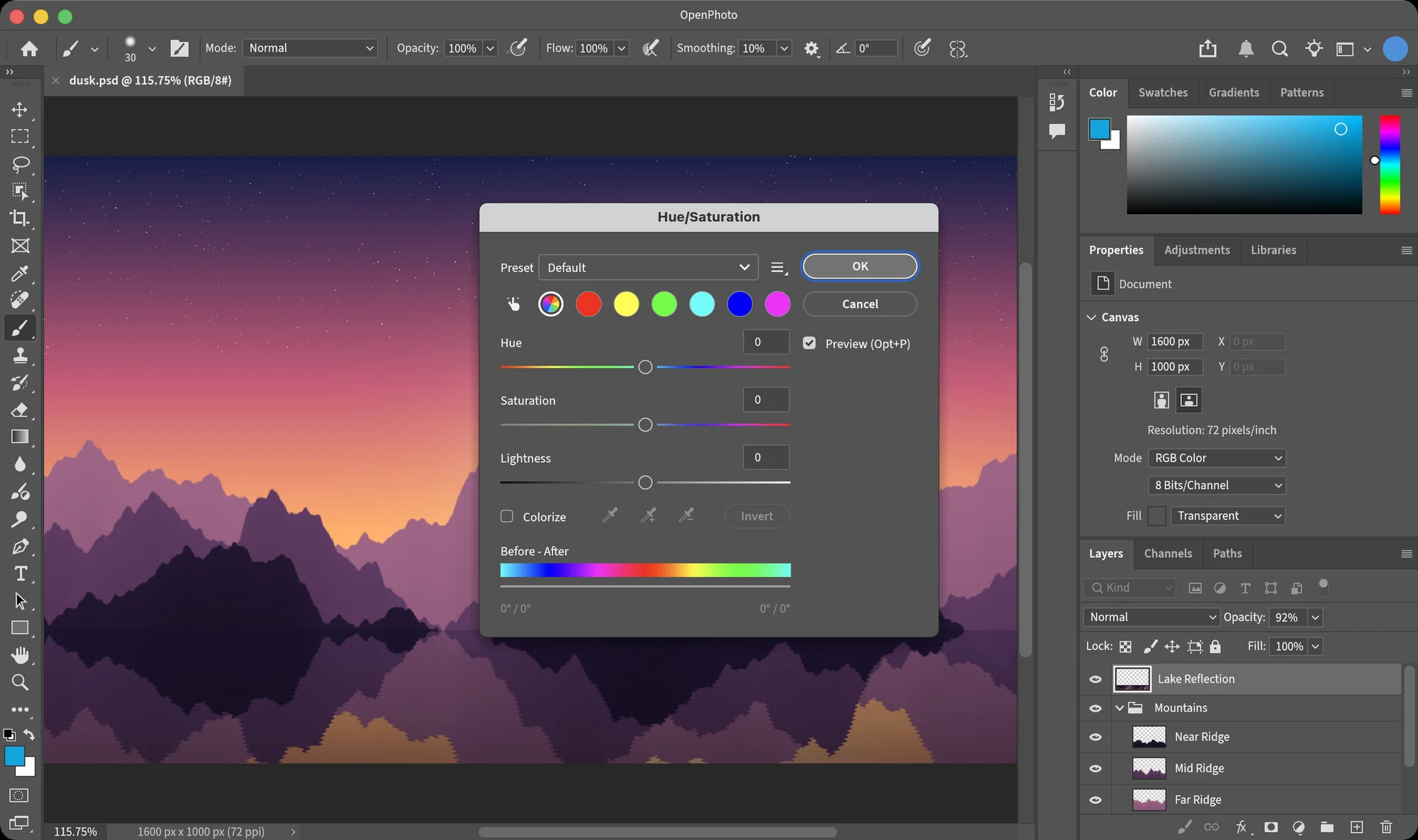
- Levels, Curves, Hue/Saturation, Color Balance
- Black & White, Channel Mixer, Selective Color, Gradient Map
- Exposure, Vibrance, Photo Filter, Auto Tone / Contrast / Color
Filters
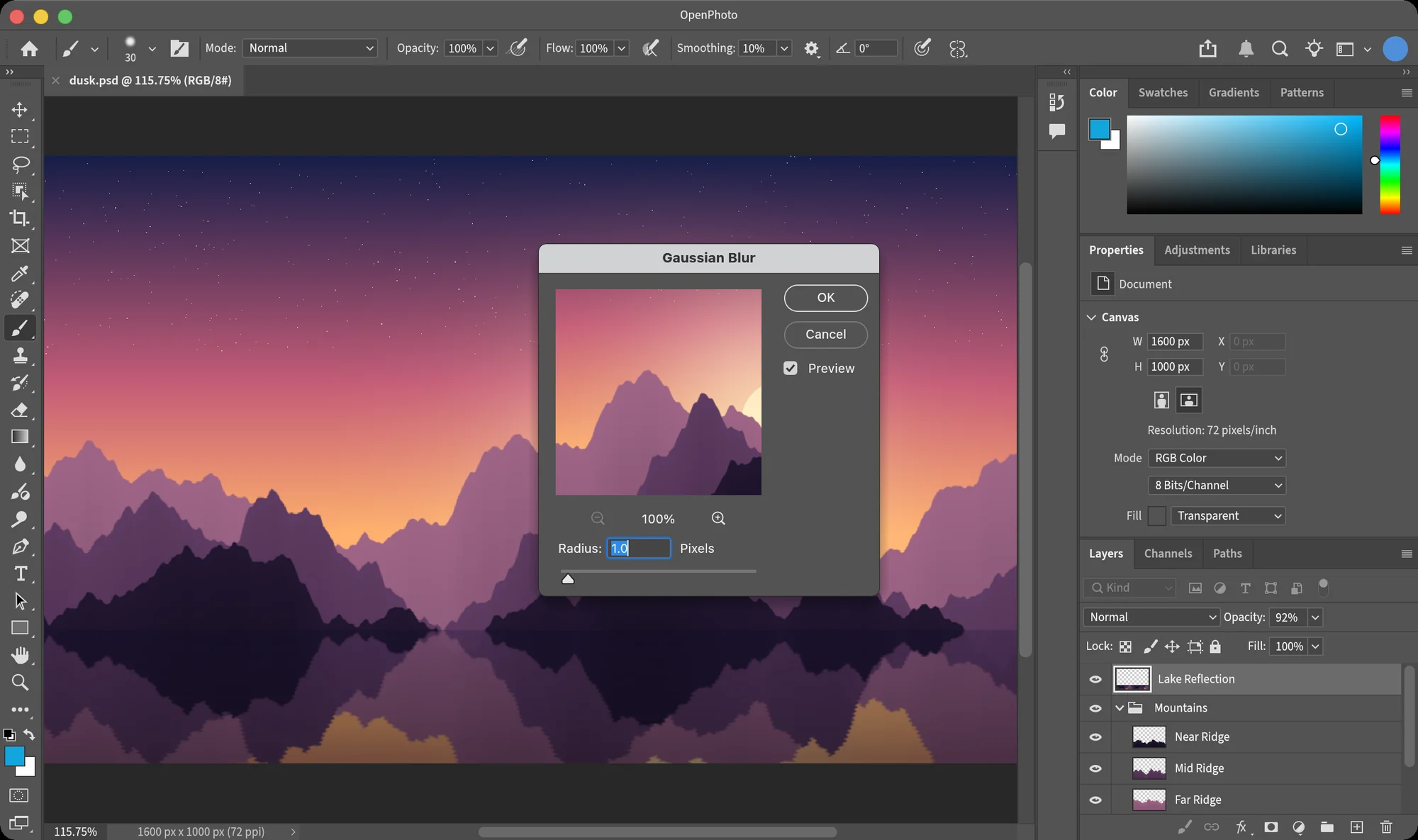
- Gaussian, motion, surface and box blur; unsharp mask
- Twirl, pinch, spherize, ripple, polar coordinates
- Clouds, crystallize, mosaic, emboss, wind — and Edit › Fade
Muscle memory, kept
Every shortcut you never had to think about.
Moving to a Photoshop alternative usually means relearning every key. Not here: menus, item order and default shortcuts match Photoshop, and dialogs remember what Photoshop remembers.
Tools, one key each
- Free Transform
- ⌘T
- Levels · Curves
- ⌘L⌘M
- Hue/Saturation
- ⌘U
- New layer
- ⇧⌘N
- Group · Merge down
- ⌘G⌘E
- Undo · Toggle last state
- ⌘Z⌥⌘Z
- Fit · 100%
- ⌘0⌘1
- Default colors · Swap
- DX
Built for agents too
Let your AI edit images with the same engine.
OpenPhoto is a Photoshop alternative your AI agents can use too. op-mcp is an MCP server over stdio: agents search about a hundred operations — adjustments, filters, layers, selections, canvas, history — and run them on the same code the app uses.
{
  "mcpServers": {
    "openphoto": {
      "command": "cargo",
      "args": ["run", "--quiet", "-p", "op-mcp"]
    }
  }
}Screenshots
A Photoshop alternative that looks the part.
Questions
Before you switch.
Something missing that you rely on every day? Tell us on GitHub.
Is OpenPhoto really a free Photoshop alternative?
Yes. It is open source under the MIT or Apache-2.0 license, with no account and no subscription. Download it, or build it from source.
How is it different from other Photoshop alternatives?
Most of them have their own layout and shortcuts. OpenPhoto copies Photoshop's, measured against Photoshop 2026, so if you already know Photoshop it is the Photoshop alternative with the least to relearn.
Can it open my Photoshop files?
Yes. Unlike most Photoshop alternatives, it opens and saves layered PSD files — layers, groups, blend modes, opacity and fill, masks, locks, links and color labels — checked field by field against files saved by Photoshop. Editable type, vector shapes, layer styles and smart objects are not supported yet.
Does it run on Windows or Linux?
Not yet. OpenPhoto is a Photoshop alternative for Mac, developed and tested on macOS, where it uses the native menu bar. The download is for macOS 11 or later, on Apple Silicon and Intel.
Is it finished?
No — it is a Photoshop alternative in early development. The core editing flow works today; brush presets, the gradient editor, more panels and color modes beyond 8-bit RGB are among what is still to come.
Is it made by Adobe?
No. OpenPhoto is an independent Photoshop alternative, not affiliated with, endorsed or sponsored by Adobe. Photoshop is named only to describe compatibility.
More questions? Open an issue.
Open a PSD. Press ⌘T. It just works.
Download the free Photoshop alternative for Mac and keep your muscle memory.
Free Photoshop alternative · open source · macOS 11+